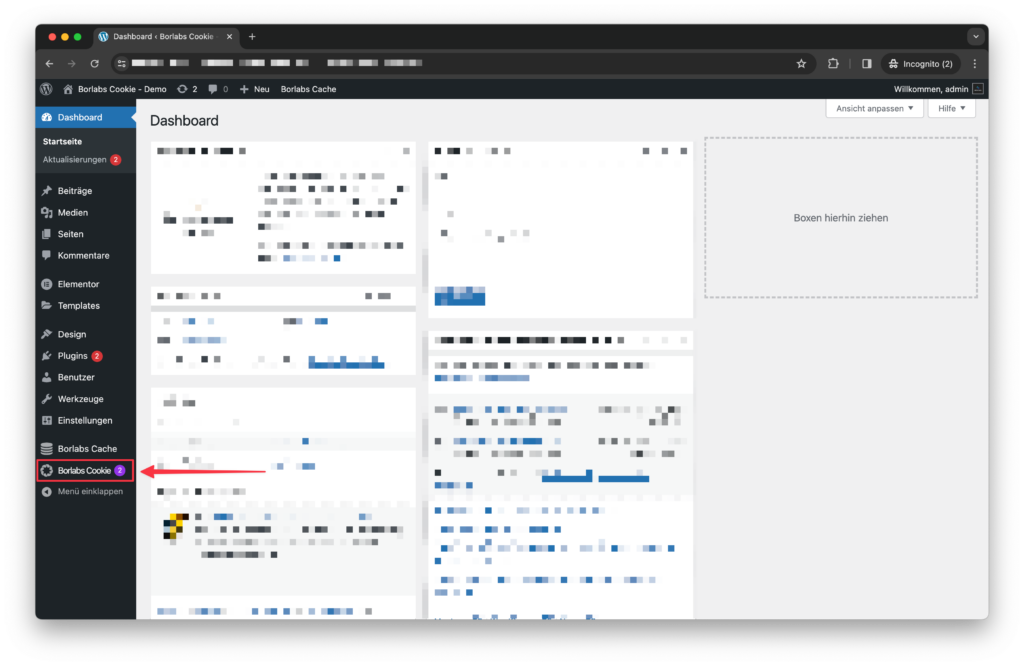
A purple circle next to the Borlabs Cookie menu item indicates how many installed packages have updates available.
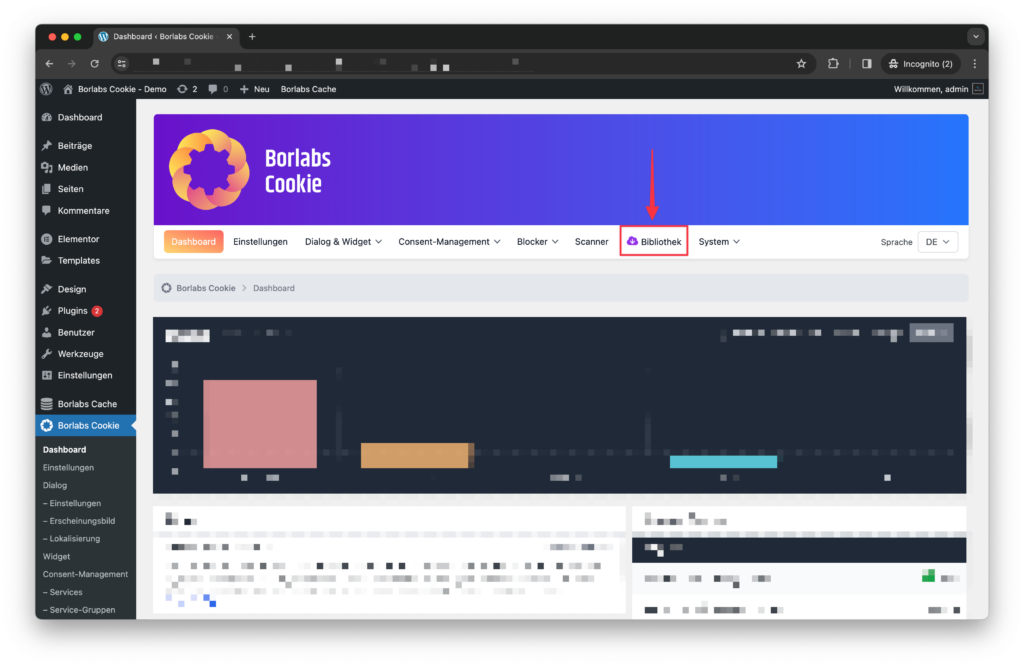
Purple is used as a signal color throughout Borlabs Cookie to guide you through the plugin and highlight where action is required. As soon as you open any Borlabs Cookie page, the purple circle disappears and is replaced by a purple indicator within the library.
As soon as you are in the library, you will find the purple icon in the "Installed Packages" tab.
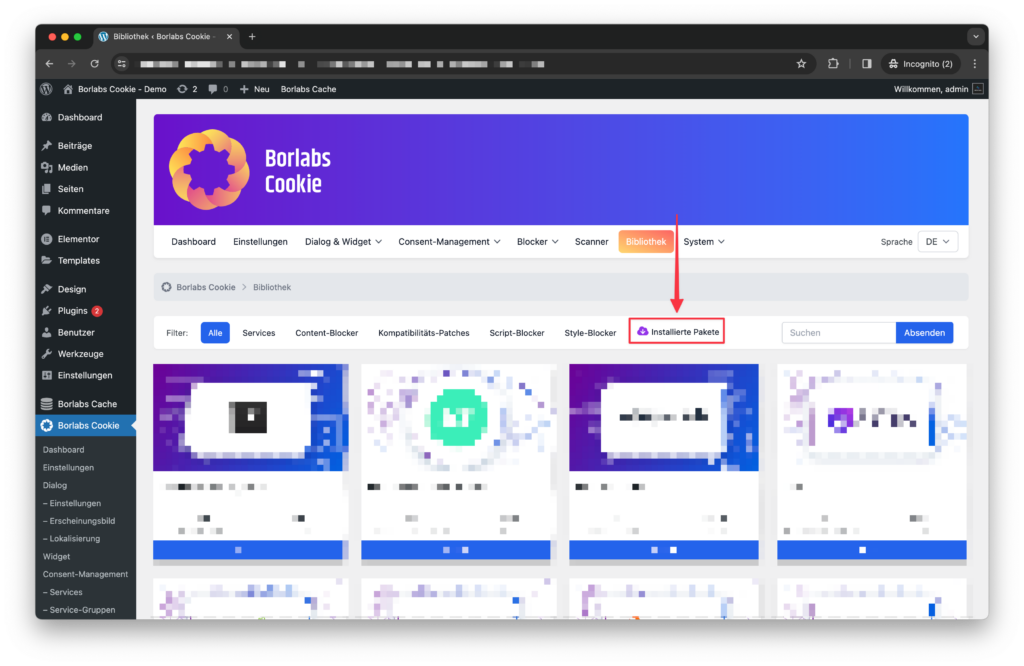
Once you get there, the buttons for the package details are coloured purple. This means you can see at a glance that an update is available.
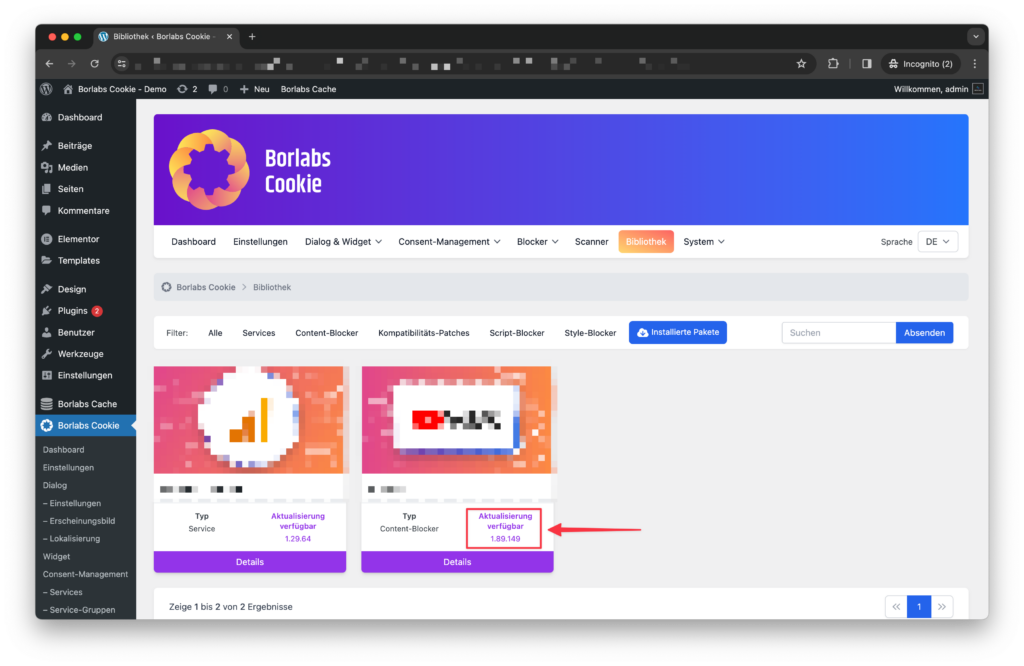
In the detail views, you can check which version of the package you currently have installed and which version number the updated package has
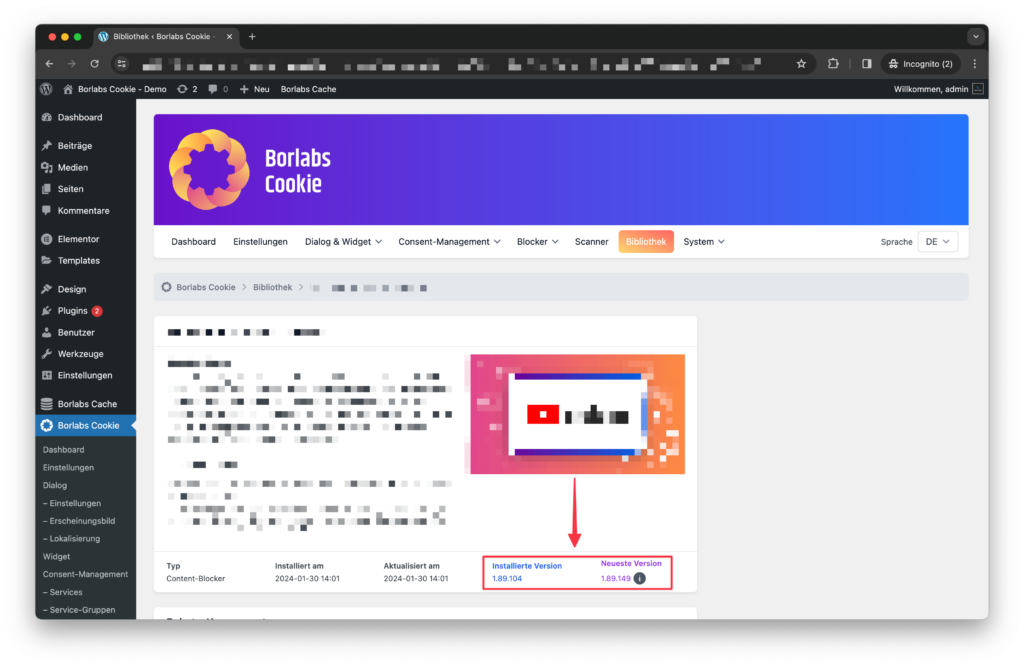
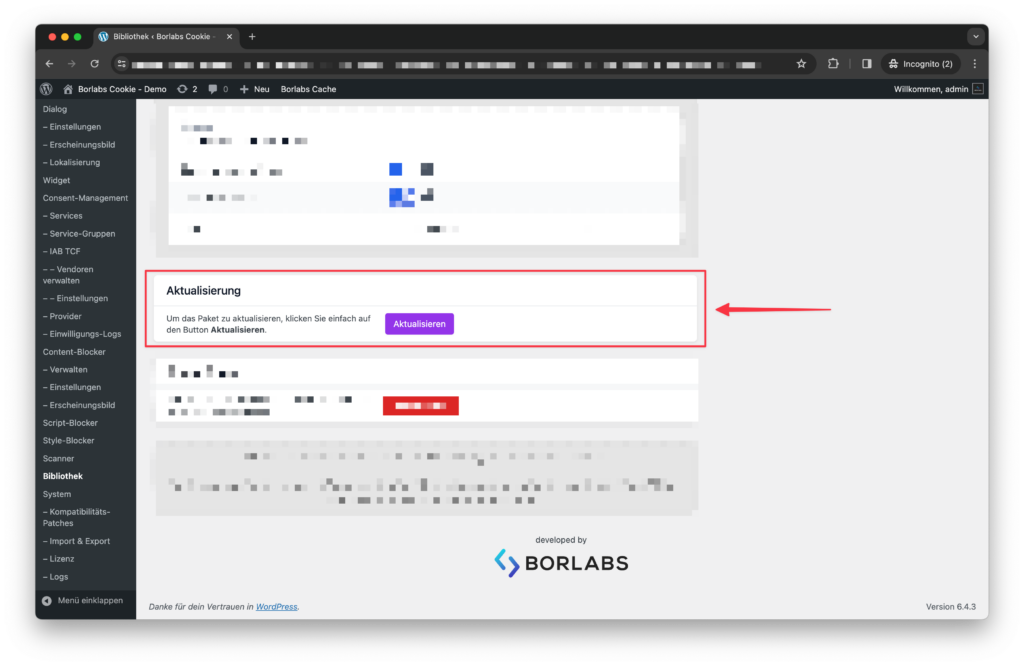
Further down in the detail view, you will find the purple button to update the package.