
If you own a license, you will find the "Organization" section in the navigation menu on the left.
There, you can change your organization name, add and manage users, specify an email address for invoices, and transfer ownership of the license to another person.
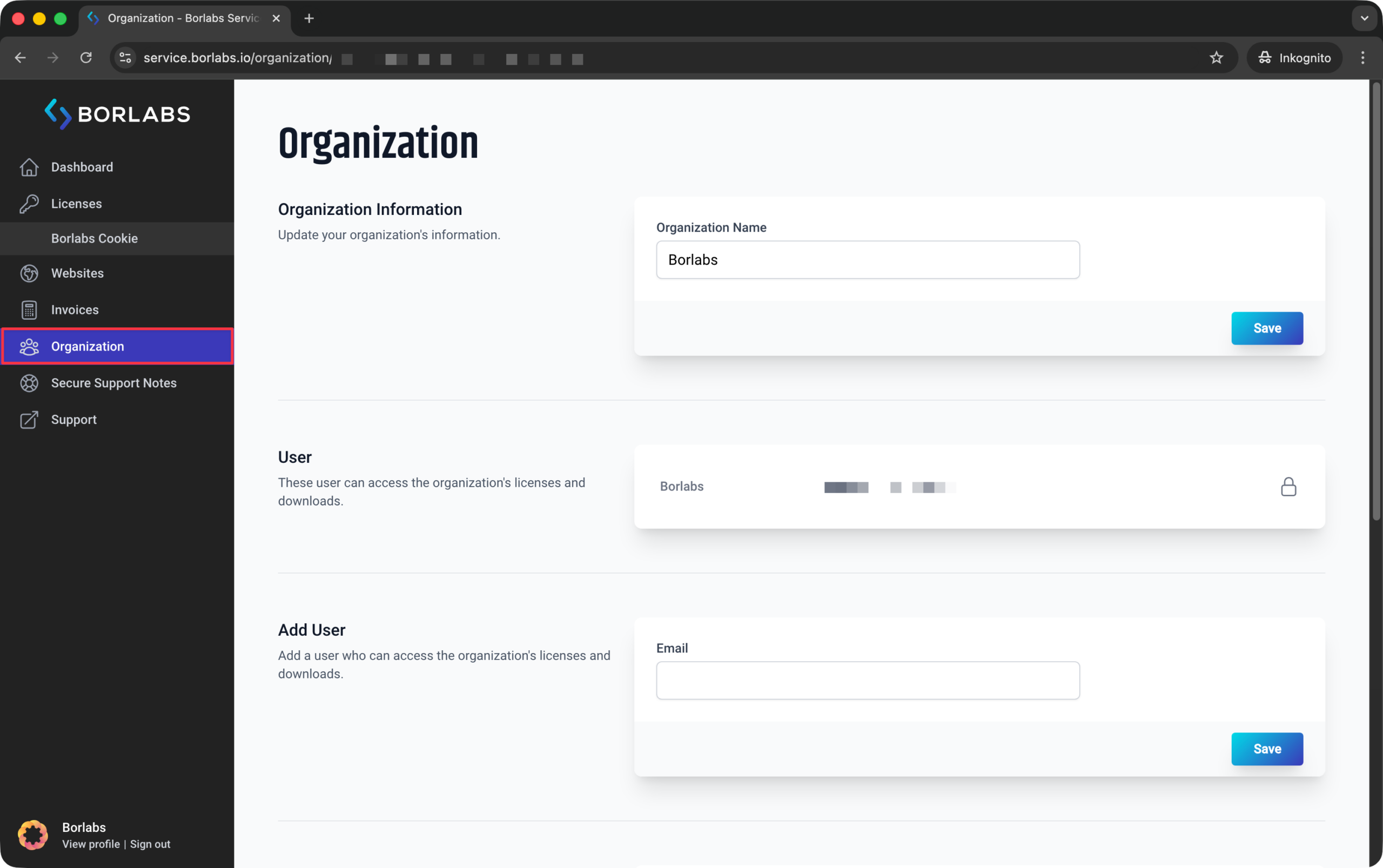
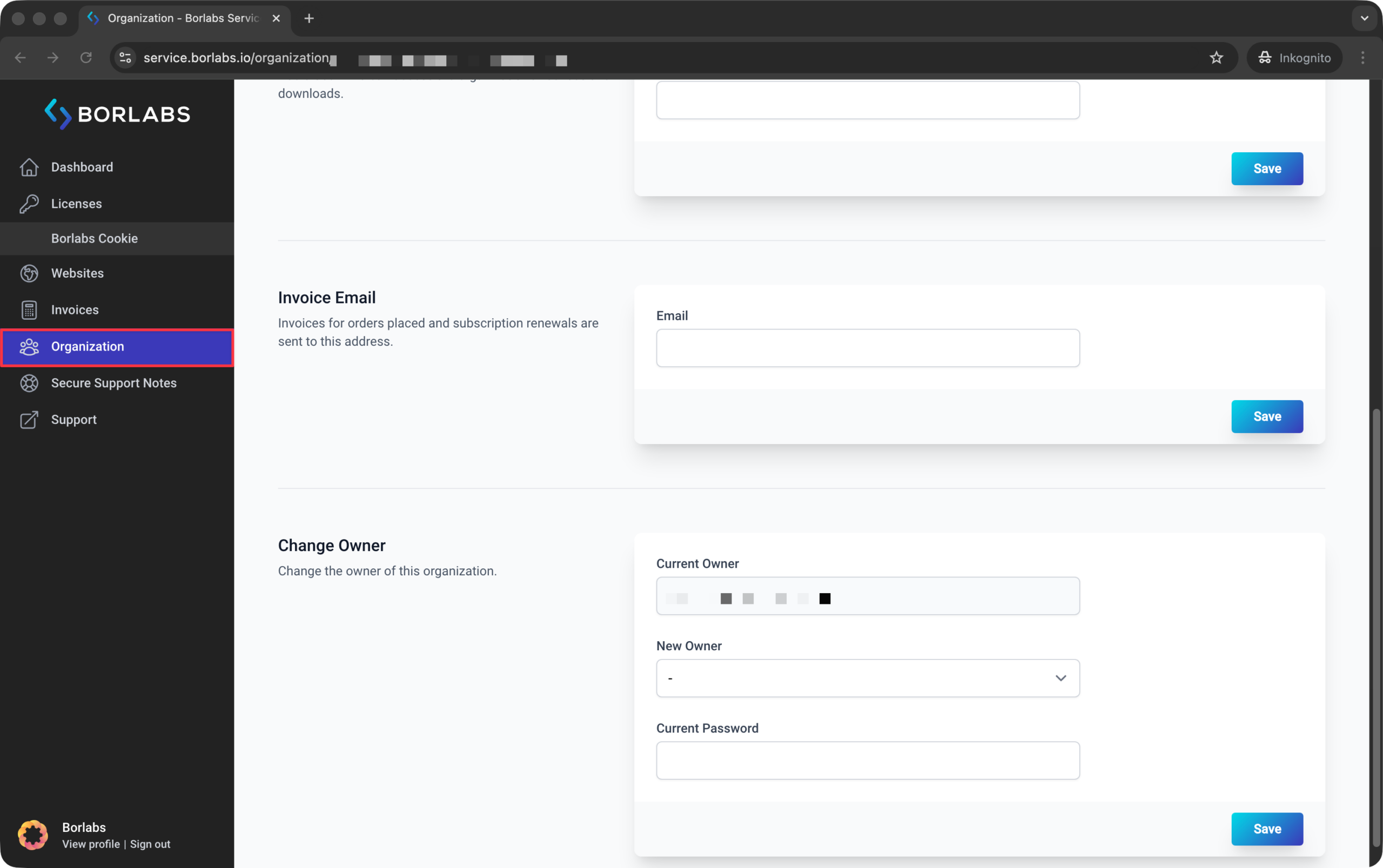
Users within an organization can work with the licenses, but they cannot view invoices or access the "Organization" section. A user can be a member of multiple organizations at the same time.
This allows you to purchase your own license and provide access to an agency if needed. That way, you retain full control over your license and can continue using it even if you change agencies in the future.