
To view your invoices, please first log in to our customer portal at https://service.borlabs.io/login.
Click "Invoices" and then the document icon:
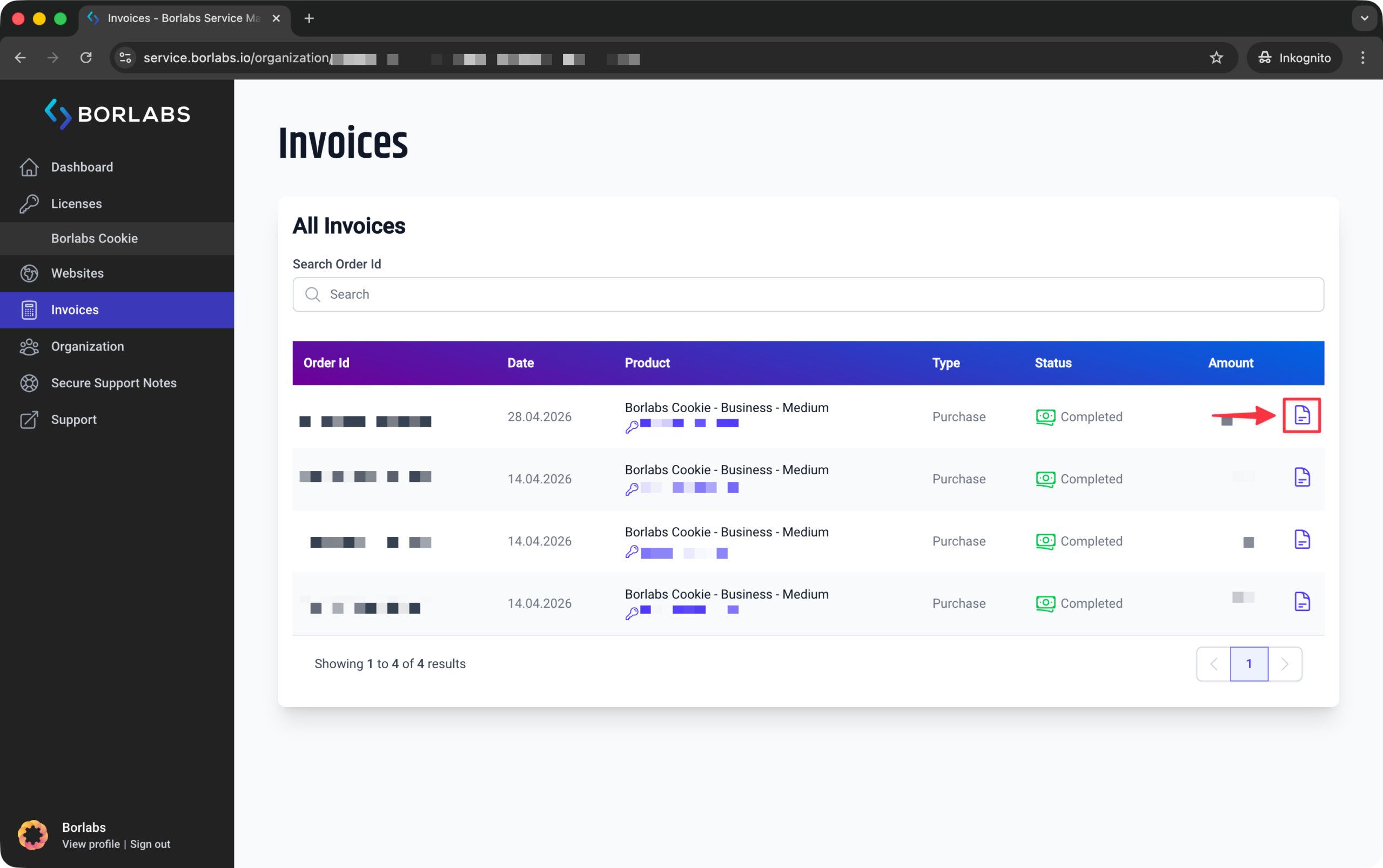
You will be taken directly to the invoice.
To save the invoice as a PDF, use the "Print" option. You can access the print option from your browser menu, by right-clicking the invoice, or by using the keyboard shortcut "Ctrl + P". Then select "Save as PDF" in the print dialog.