

Introduction
The latest version includes significant accessibility improvements as well as new features that make setting up Borlabs Cookie even easier and faster.
Hilsner til Danmark! - Borlabs Cookie is now available in Danish!
Color Assistant
The entire dialog can now be customized using just three color settings while ensuring compliance with WCAG 2.1 Level AA accessibility requirements. This makes it even easier and faster to adapt the dialog to your website's design.
The silent video demonstrates the Color Assistant. Colors for the accent color, contrast color, and dialog background are selected in different sequences. Clicking the "Apply Colors" button updates the dialog preview accordingly.
Bulk Installation
All packages suggested by the Scanner can now be installed in a single action, making the setup of new websites even faster and more efficient.
The silent video shows the packages suggested by the Scanner. After clicking the new "Install Suggested Packages "button, a new page opens displaying all packages in a table. An animated icon indicates the installation status: not installed, installation in progress, or successfully installed. At the end of the video, a message confirms that the installation has been completed successfully. A second table then appears, providing detailed information about the installed components included in the suggested packages.
Improved Accessibility
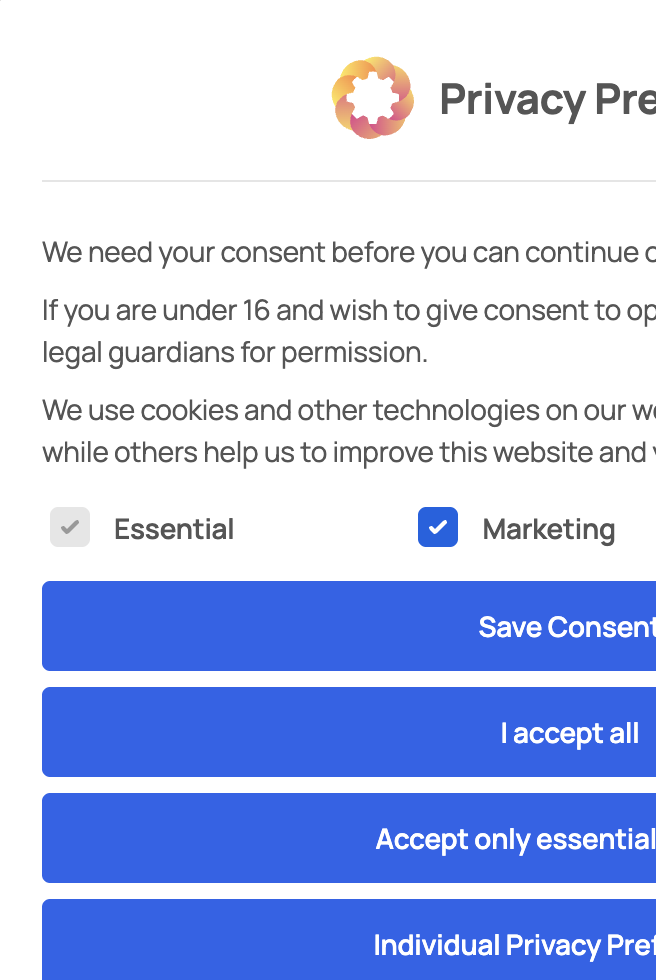
The accessibility of the dialog has been improved with optimized keyboard navigation and better screen reader compatibility. For example, pressing the "ESC" key now focuses the "Close" or "Back" button.
The "Font size (Base) for Descriptions" setting has also been added. This allows relevant information to be displayed in a larger font size without affecting other UI elements such as buttons.


Improved Debug Console
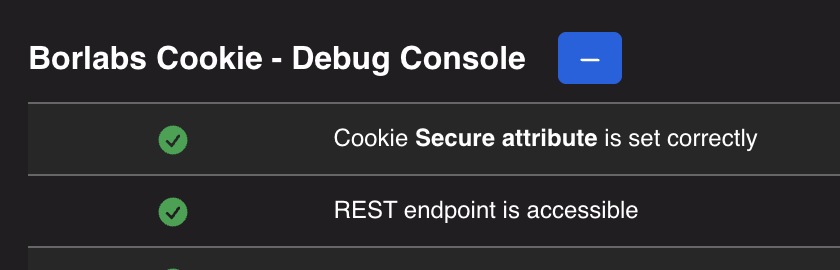
The Debug Console has been extended with a new test that verifies access to the REST API, making 404 errors and other access issues visible. The REST API must not be blocked by security plugins, as it is essential for the operation of Borlabs Cookie. Among other things, it is used to store and document user consents.
In addition, the tests that verify whether the configuration file has been loaded and positioned correctly have been improved, as well as the checks that validate the configured cookie domain, particularly when using wildcard domains.
Additional Improvements and More
Select All / Deselect All
Lists with at least two checkboxes (e.g. the "Display Meta Box" list or the "Synchronize Configuration" option available when using multilingual plugins) now include a "Select all" and "Deselect all" button for easier selection management.

Disable Borlabs Cookie on individual pages
A new setting has been added to disable Borlabs Cookie on selected pages. When enabled, Borlabs Cookie will not display a dialog and will not block any content or scripts on those pages.
Danish language support
Borlabs Cookie is now available in Danish. As with all language packs, this translation was developed with the support of a native speaker to ensure a high level of translation quality.
Consistent color coding for buttons
Button colors have been updated to consistently reflect their behavior:
- Blue: Saves settings and either reloads the page or navigates to a new page.
- Red: Deletes settings, an entry, or uninstalls a package.
- Purple: Indicates that a package update is available.
- Black: Performs an action within the current page.
- White: Opens or closes a modal dialog.
- Gray: Navigates to another page without saving.

Package detail view enhanced with additional information
A new "Things to Know" section has been added to the package detail view. It explains where settings can be modified and how the override settings work. Additional information has also been added for compatibility patch packages, explaining when they must be installed and how unused services should be handled.
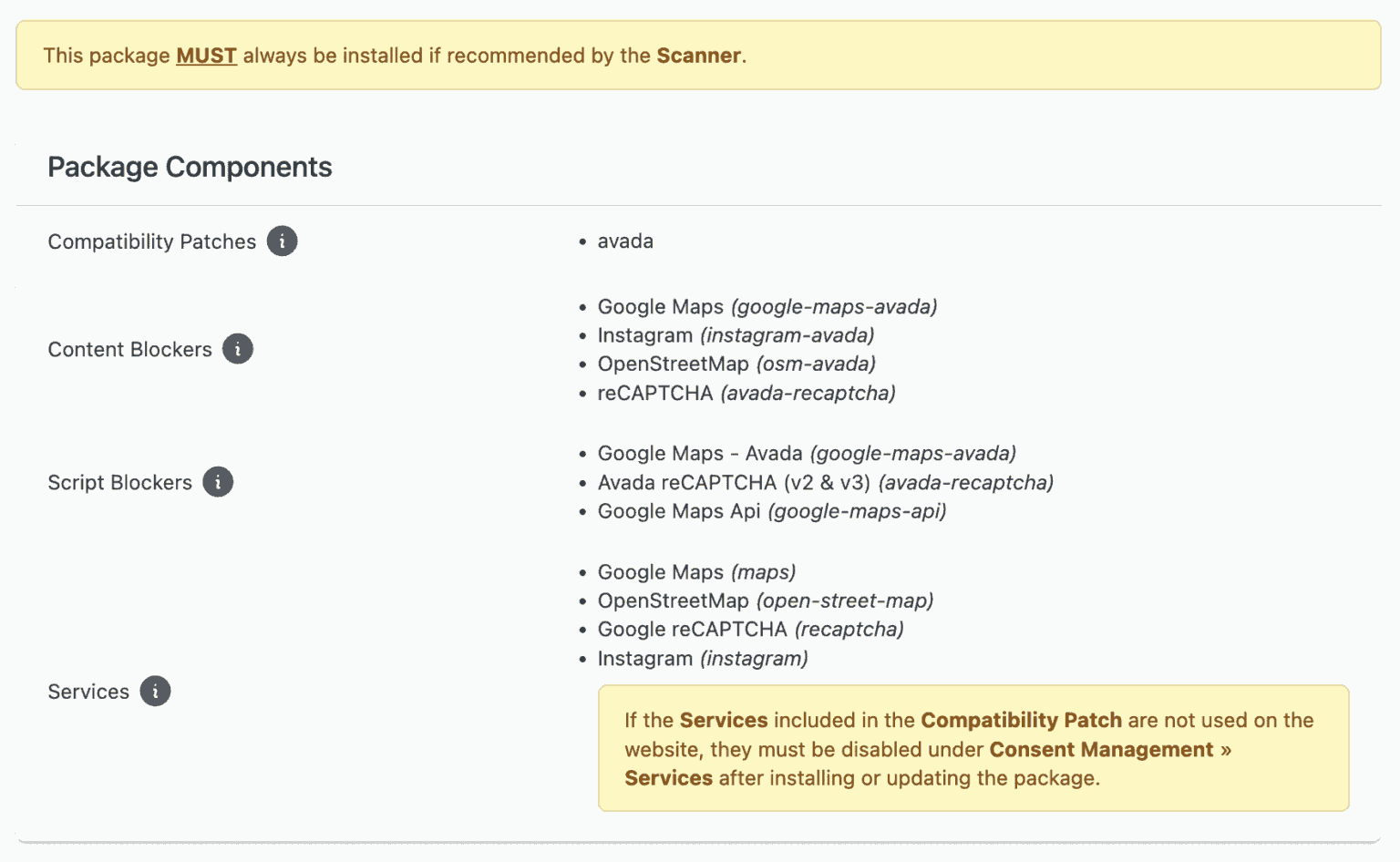
The image shows an overview of the components installed with the package, including the Compatibility Patch, Content Blocker, Script Blocker, and Services. A first yellow notice explains that this package must be installed if it is recommended by the Scanner. A second yellow notice explains that unused services must be disabled after installation if they are not used on the website.
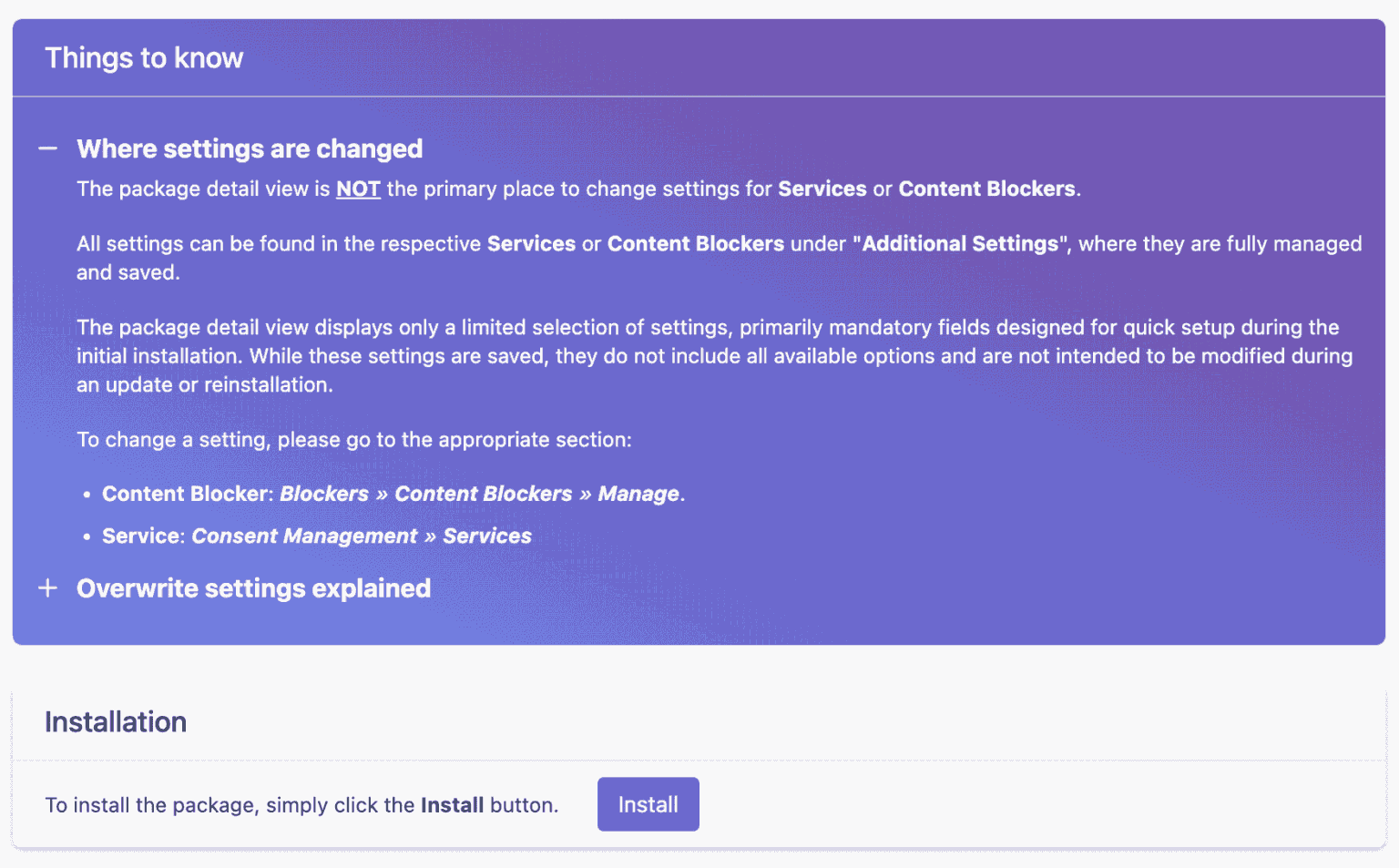
The image shows the "Things to know" section, which has been placed above the installation area. This section explains where the settings for Content Blockers and Services can be found. Another entry describes how the two override settings for code and translations work.
Improved usability
The user experience for downloading the GeoIP database and the Global Vendor List (GVL) has been improved. Both databases can now be updated without reloading the settings page.