
You can purchase your own license and grant access to an agency. This allows you to retain full control over the license and continue using it even if you decide to work with a different agency in the future.
After purchasing your own license, log in to our customer portal: https://service.borlabs.io/login.
Then click "Organization" to add additional users to your license. Simply enter the email address of the person who should be able to work with your license.
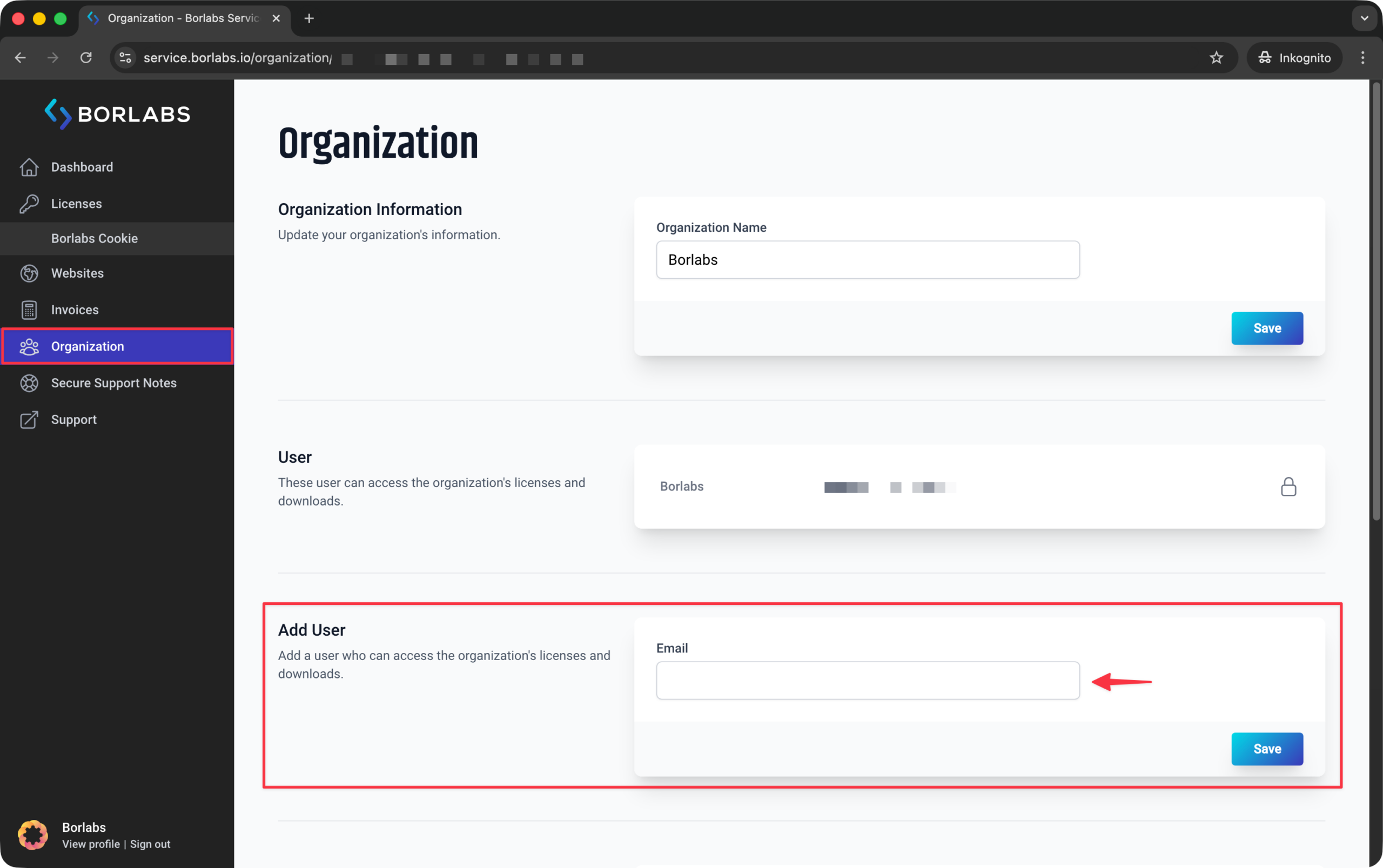
Users have limited permissions and can only access the features required to work with the license. They do not have access to invoices or the Organization section. Only the license owner can cancel the license, perform upgrades, or change the payment method.
A user can also be a member of multiple organizations.